* HOW TO CONNECT ON ORACLE SQL*
Now to connect to ORACLE SQL and to run PL/SQL program we have to first install ORACLE RDBMS server.
*RDBMS→ {Relational Database Management System} It is a collection of data which stores,manage and retrieve data in a relational database.
Now before connecting to oracle first we have to install Oracle Database XE {21C Express Edition} . Below are following steps how we can Install Oracle Database XE.Below is the Direct link to Download oracle database.
Oracle Database 21c Express Edition for Windows x64
You can also install this through oracle website, Steps are
i] Go to Oracle Download
ii] Select Database from Developer Downloads
iii] click on Database Express Edition from Database Section.
iv] Click on the latest version for Windows from the Oracle Database 21c Expression Edition
These are the steps you can follow to download Oracle Database XE
Now once you click the link Download will start.
1. Open setup.exe file
→ Now When download complete's Extract the downloaded zip file to preferred location. Now click on setup.exe file after that you will be directed to installation screen.
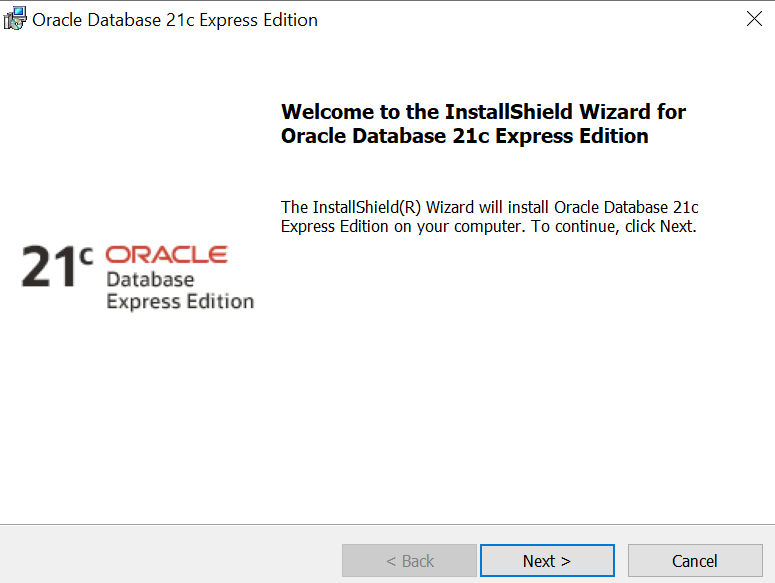
2. In second step the screen is displaying welcome to the installshield wizard for oracle 21c express edition you have to simply click on next button and move ahead .
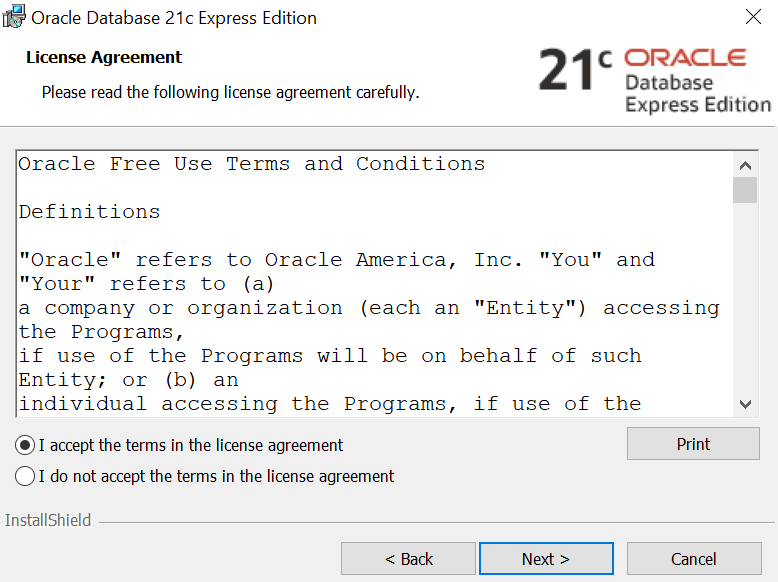
3. License agreement is displaying in the 3rd step.You can read this if you want to read this license agreement once you read this license click on accept license and then click on next.You will go to destination folder
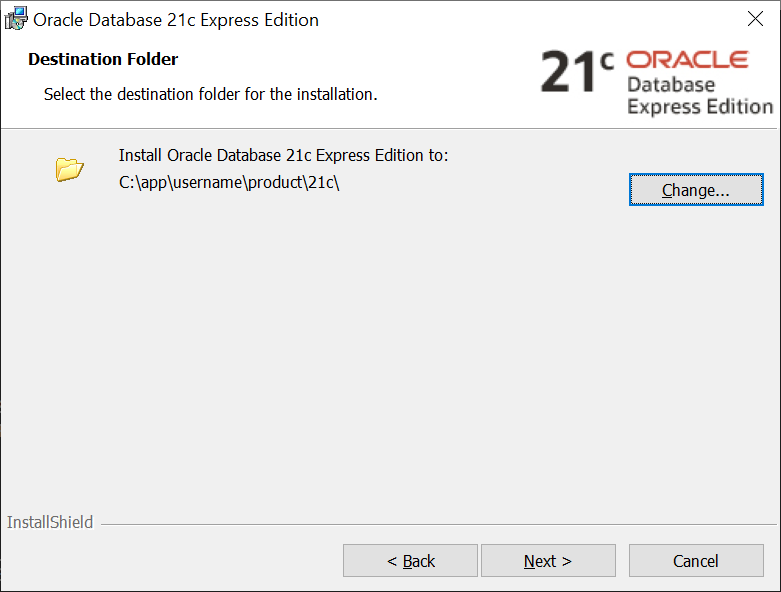
4. In the 4th step the installer will display you the location of your oracle base. Your all oracle files and folders will be placed on oracle base location.If you want to change the folder you can change.Once you have chosen the folder location simply press next and move to next step.
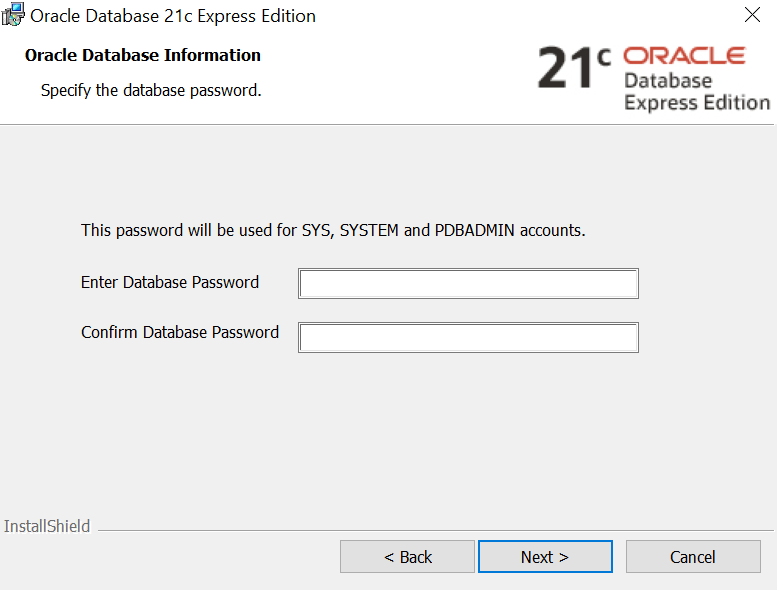
5. This is very important step the screen display's a database password and confirm password.You have to enter password and then confirm that password and remember that password that you have entered or save it anywhere because you will need this password to make connection with this database.
6. Now screen displays a install message click on the install button and your installation will start.
7.This is the final step the screen displays information like Multitenant database,Pluggable database,EM Express URL. Save this information anywhere and click on finish button that's all.

These are the steps how we can install oracle Express Edition.Hope you understand the steps.
Now Connecting to Oracle SQL ➗
* Click on 'start button' and write SQL.
* Click on Run SQL Command line'.
→SQL > conn
→Enter user-name:
→Enter password:
→ connected
NOTE-You have to enter password that you have entered earlier in the time of installation of oracle database.
{ If you forget password or want to change password in SQL then in sql command line write this}.
SQL>conn/as sysdba
connected
SQL>alter user system identified by newpassword;
user altered.
** *
Post a comment in comment section if you like this information thanks and have a great day ahead.


Comments
Post a Comment